Before you find your colours
Personal color analysis FAQ
Wondering if a selfie is enough, which test to choose, or how to use your palette? Start here—clear answers, without the beauty jargon.
Finding your colour season
Start with what you want to know: which colours feel right on you?
Personal color analysis looks at how warm or cool, light or deep, and soft or bright colours work with your natural colouring. The aim is practical: a smaller selection of clothing, lipstick, blush and hair colours to explore, rather than starting from every shade in the shop. It is styling guidance, not a medical skin test or a rule about what you are allowed to wear.
Choose the free quiz if you are curious and want an introduction without uploading a photo. It estimates one of four season families from your answers. Choose the photo analysis if you want a more detailed, 12-season estimate, colour scores, outfit examples and a downloadable report. The photo analysis also asks four questions to add context to your selfie.
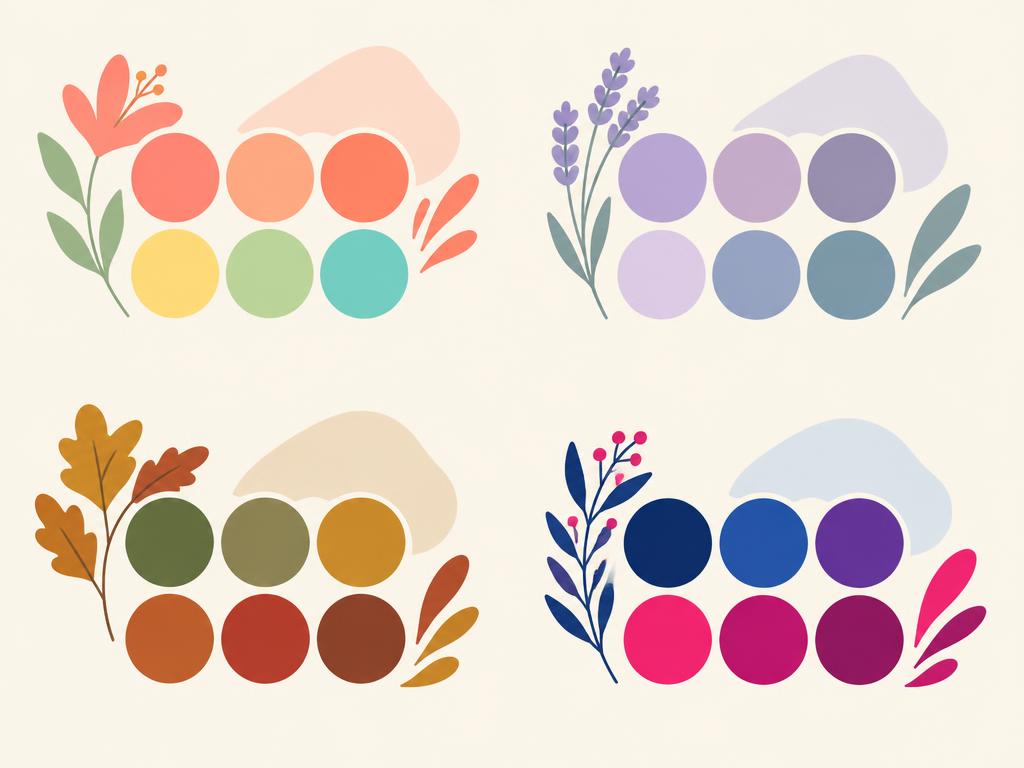
They are palette names, not the weather or your birthday. Spring Warm (봄 웜톤) and Autumn Warm (가을 웜톤) describe warmer palettes; Summer Cool (여름 쿨톤) and Winter Cool (겨울 쿨톤) describe cooler ones. Our report divides these families into 12 sub-seasons to explore differences in lightness, depth and softness.
No. The Korean-style labels describe colour qualities, not ethnicity. You do not need to be Korean or Asian to explore these palettes. Skin depth, natural hair and eyes vary within every background, so ethnicity alone cannot tell you your season. As with any photo estimate, the image and its lighting matter.
Yes. Choosing flattering clothing and hair colours is relevant regardless of gender. You can use the palette for shirts, knitwear, jackets, glasses and accessories, and skip makeup suggestions if they are not useful to you. The report is a starting point for your taste, not a requirement to adopt a particular style.
Accuracy & undertones
An honest guide to what a selfie can—and cannot—tell you.
A clear daylight photo can provide a useful starting point, but we do not claim a proven accuracy percentage. Camera processing, lighting, makeup and the image itself can change the estimate. The scores describe the model's interpretation of that photo, not a laboratory measurement. If you are deciding on an expensive hair change or feel uncertain between palettes, compare colours in daylight or consider an in-person draping session.
No. An in-person consultant can change fabrics under controlled lighting and watch how they affect your face directly. Our online analysis estimates your colouring from a photo and your answers; it does not recreate that controlled comparison. It is a convenient way to explore palettes, with limitations that a studio visit can help resolve.
No. A yellow surface appearance can coexist with a cooler or more neutral undertone, and warm indoor lighting can make a photo look more golden than reality. Avoid choosing a season from skin colour alone. Look at how warm and cool fabrics work near your face in daylight, alongside your natural hair and eye colouring.
Yes. Neutral describes a balance between warm and cool; olive describes a greenish or greyish quality that can appear across different skin depths and undertone leanings. Neither automatically means Autumn. Lightness, softness and contrast also matter, so explore the whole palette rather than relying on a single undertone label.
They use different information. The quiz relies on how you describe yourself and gives a broad four-family estimate. The photo analysis uses the image plus four answers to choose among 12 sub-seasons. Uncertain quiz answers, dyed hair, makeup or lighting can all contribute to a difference. Check the photo conditions and compare the suggested colours near your face rather than assuming either result must be definitive.
A tan, greying hair or hair dye can change your visible colouring and how you prefer to wear colours. Different lighting can change a photo result without proving that your underlying undertone changed. If two analyses disagree, treat the difference as a question about the photos — lighting, filters, makeup — rather than proof that your natural season has moved.
Getting your photo ready
A useful photo does not have to be a perfect photo.
Choose a front-facing selfie beside a window in indirect daylight, with your face clearly visible. Use no beauty filter, ideally no makeup, and a neutral white or grey top. Avoid direct sun, strong shadows and coloured light. A plain background helps keep attention on your face; you do not need a professional camera.
A bare-faced photo gives the clearest starting point. Makeup and dyed hair can influence the estimate, so answer the natural-colouring questions as accurately as you can. Remove sunglasses and, if possible, ordinary glasses to reduce reflections and reveal your eyes. If a mask, hat or sunglasses hide most of your eyes or face, choose another photo.
The upload check looks for a single visible human face before analysis. A photo with no face, multiple faces or a substantially covered face is blocked with advice to choose another image. The AI also checks these cases during analysis. If the browser cannot complete its check, the AI check still runs when you submit.
Lighting, filters, makeup and angle problems generally trigger warnings rather than automatically stopping you. You can still continue if your face is sufficiently visible. When the analysis identifies quality issues, the web report and PDF show a Photo quality: Fair note with advice. Retaking in daylight is preferable if you want to reduce uncertainty.
No. We do not recolour your selfie to simulate daylight: changing skin colour could remove or invent the undertone we are trying to estimate. The app may resize the image for upload, but it does not deliberately warm, cool or beautify your skin before analysis. A new daylight photo is safer than a colour-corrected one.
Using your report
Turn your palette into choices for your wardrobe and beauty routine.
Your report includes a 12-season estimate, colour scores, best and less harmonious palettes, makeup shades, hair colour and styling guidance, jewellery advice and wardrobe ideas. The analysis also attempts to create outfit and hairstyle try-on pictures. The web report has interactive shade previews; the PDF keeps a static version for reference and shopping. Generated pictures may be unavailable if image generation fails.
Yes. When you open the report straight after analysis in the same tab, the makeup preview can use the selfie held locally in that tab. You can choose lip, blush and eye shades and adjust their intensity. If you reopen or refresh the report, choose a photo again. These overlays are a visual approximation—not a prediction of an exact cosmetic product's finish or coverage.
No. They are AI-generated try-ons based on your uploaded photo, and may change facial details, proportions or texture. Use them to explore styling directions, not as a guaranteed likeness or a promise of a haircut's final appearance. Older reports or reports without generated hairstyles may show illustrated examples instead.
Open your full report and use its Save as PDF control. The download keeps your palettes, guidance and available outfit pictures in a fixed-page format. Interactive makeup and hairstyle selections stay in the web version and do not alter the PDF. Keep your private report link as well if you want to return to the interactive version.
Not at all. Start with one or two items close to your face: a top, scarf or lip shade. Keep colours you love, use them in trousers or accessories, or combine them with a palette colour near your face. Your season is a shopping aid, not a dress code, and you do not need to buy everything at once.
Privacy, access & cost
Know what is saved and what to keep before you leave.
The quiz is free. Photo analysis is currently in test mode with payment skipped, and a future full-report price has not been announced here. Check the analysis page for the current payment status before starting. We do not ask you to pay in the present test flow.
We do not save your original selfie to our storage. It is sent to the AI provider to analyse your colours and create try-on pictures. Your result and AI-generated outfit and hairstyle images are saved with the report. The selfie used for interactive makeup stays in memory in your tab, not in a saved photo library.
Anyone with your private, hard-to-guess report link can view the result and its generated images. Treat that link as private: do not post it publicly if you do not want others to see it. A private link is not the same as a password-protected account. Read the Privacy page before uploading if you want more detail.
The photo analysis collects an email address, but automatic report emails are not enabled yet. Save your report link and download the PDF rather than relying on an email arriving. Joining the newsletter is optional and separate from receiving a report; leave the colour-tips checkbox unticked if you do not want to opt in.
A little colour curiosity
Start small. Find shades you love.
You do not need a new wardrobe to begin. Discover your season family, explore the palette guides, then try one colour near your face in daylight.